This site uses third‑party cookies to support analytics, store preferences, and provide relevant content and advertising. You can manage your preferences, including limiting the sale or sharing of personal information, at any time.
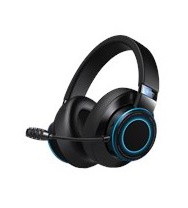
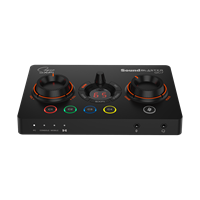
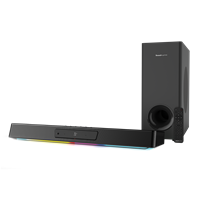
Nintendo Switch
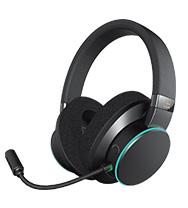
For Nintendo Switch users, you will require:
- a USB C-to-A cable (provided)
- a USB C-to-C (for console, not provided)
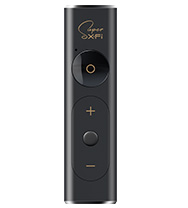
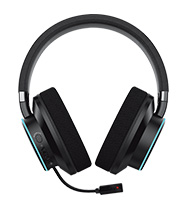
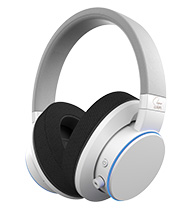
Remember to have your personalized Super X-Fi profile loaded onto your Creative SXFI AIR via iPhone, Android Phone, or PC/Mac, before attempting to set-up on your Nintendo Switch.
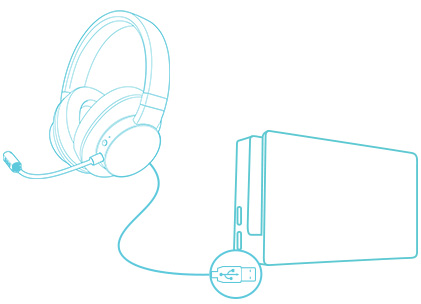
Dock Mode: Connect the Creative SXFI AIR to your Nintendo Switch Dock
Use the provided USB C-to-A cable to connect the Creative SXFI AIR to the USB port on the Nintendo Switch Dock.
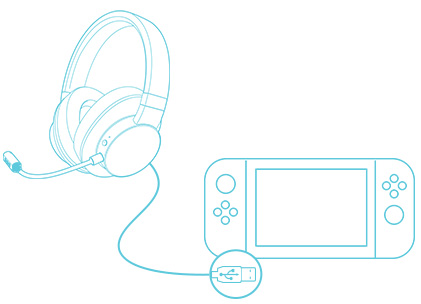
Console Mode: Connect the Creative SXFI AIR to your Nintendo Switch Console
Use the provided USB C-to-A cable to connect the Creative SXFI AIR to the USB port on the Nintendo Switch Dock.