This site uses third‑party cookies to support analytics, store preferences, and provide relevant content and advertising. You can manage your preferences, including limiting the sale or sharing of personal information, at any time.

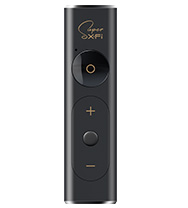


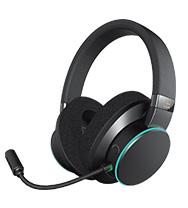
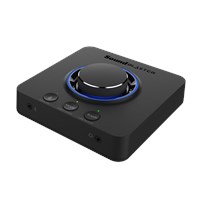
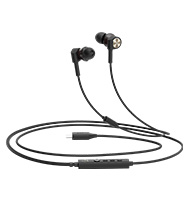


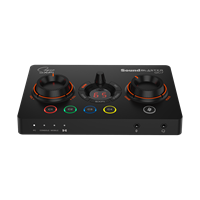
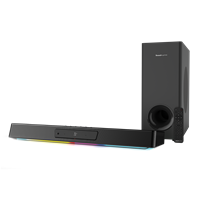
Getting started with your personalized Super X-Fi profile
For all Super X-Fi products, we need to set up a personalized Super X-Fi profile for a customized listening experience.
This personalization needs to be done only once, across all your Super X-Fi devices, in 3 simple steps.

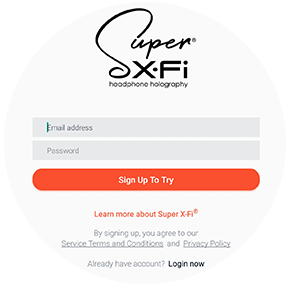
Step 2: Register Account
Register your Super X-Fi account. This account can be used across all Super X-Fi device.
This account is different from your Creative Store account.
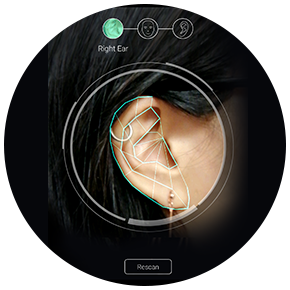
Step 3: Head and Ear Mapping
Go through a simple one-time capture of 3 pictures - right ear, face, and left ear.
TIP: Ask a friend to help you capture your images!
Subsequently, you can redo your Super X-Fi profile by tapping on the ‘Personalize' menu tab in the SXFI App and go through the 3 steps set-up once more.