This site uses third‑party cookies to support analytics, store preferences, and provide relevant content and advertising. You can manage your preferences, including limiting the sale or sharing of personal information, at any time.

Help & Support


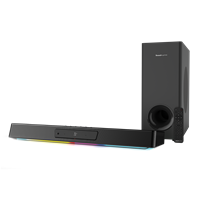
Set-up
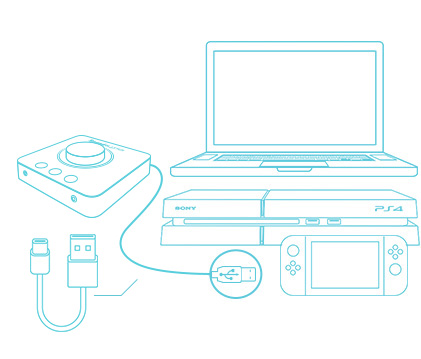
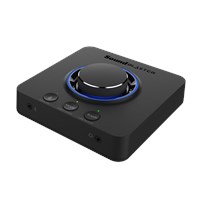
We have compiled step-by-step guides on setting up Sound Blaster X3 with different devices.
A quick illustration on setting up your Creative Sound Blaster X3:
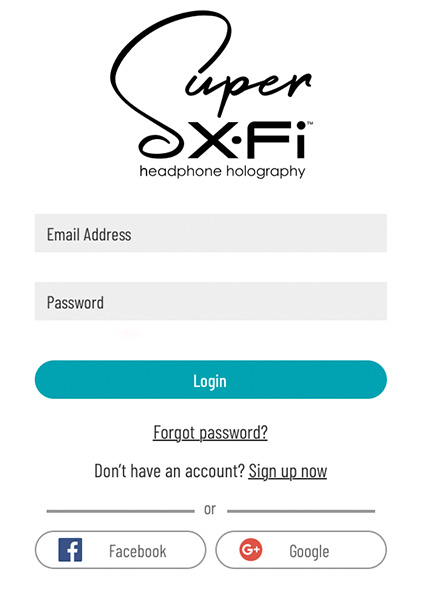
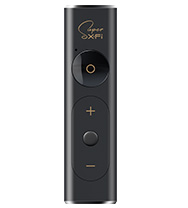
Step 2 On the Sound Blaster Command software or Sound Blaster Command mobile app, log in to your Super X-Fi profile via the SXFI tab.
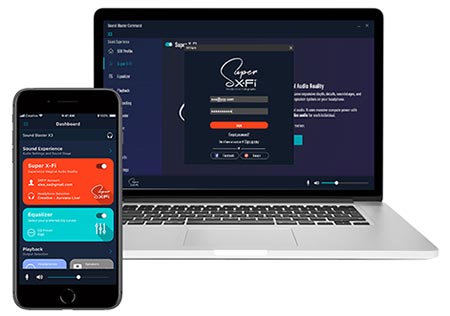
Step 3 Set-up complete.
Enjoy your Creative Sound Blaster X3 with different devices.
Enjoy your Creative Sound Blaster X3 with different devices.